
AI golf swing analysis
Using AI for Golf Swing Analysis: A Practical Guide
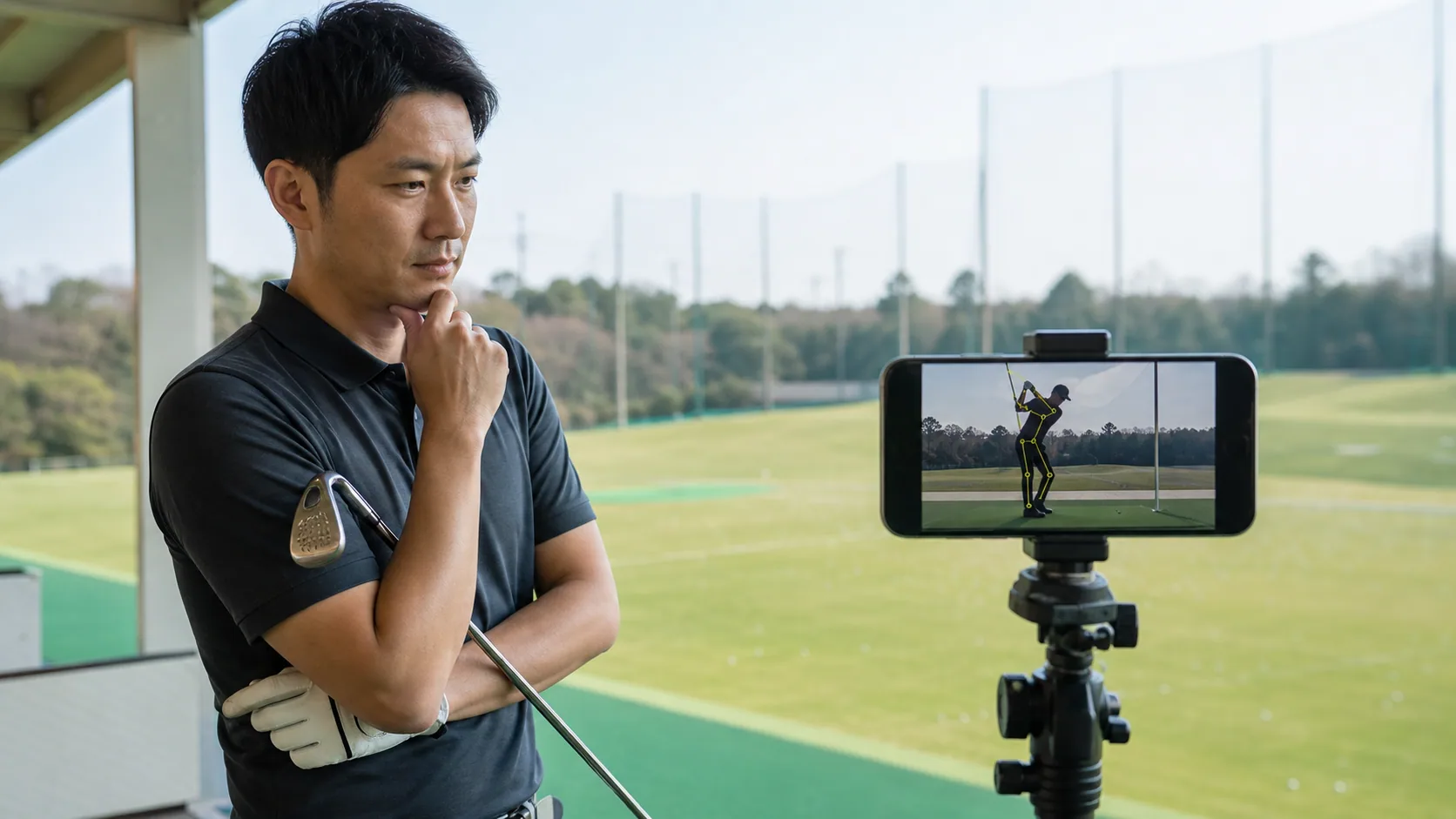
AI-powered golf swing analysis helps refine your practice by providing an objective view of your form, allowing you to bridge the gap between your feel and reality. By using a browser-based tool like golf72 coach, you can upload clips to track your movement trends and discuss your training goals through AI-assisted dialogue. Because these analytics are based on 2D video estimates rather than precision launch monitor data, understanding their limitations is vital to using them as a constructive tool for your long-term improvement.
Direct answer
AI-powered golf swing analysis helps refine your practice by providing an objective view of your form, allowing you to bridge the gap between your feel and reality. By using a browser-based tool like golf72 coach, you can upload clips to track your movement trends and discuss your training goals through AI-assisted dialogue. Because these analytics are based on 2D video estimates rather than precision launch monitor data, understanding their limitations is vital to using them as a constructive tool for your long-term improvement.
How does AI analysis change your practice routine?
AI analysis helps reconcile the difference between how you feel your swing and how it actually moves. By tracking skeletal movement that is difficult to spot with the naked eye, you can identify specific technical flaws and visualize necessary adjustments more efficiently.
- Record your swing from both face-on and down-the-line angles at the range
- Compare the AI-generated skeletal overlay to your setup posture
- Review video every three swings to spot recurring technical habits
- Take a one-minute break between practice sets to review your analysis results
What features are available in browser-based analysis tools?
Utilizing a web application allows you to centralize your practice logs, swing videos, and round data in a single, accessible environment. These platforms are currently in beta and free to use, offering integrated support ranging from swing processing to performance trend tracking.
- Open your browser to set specific goals and register your practice routine
- Upload your swing footage to the platform for automated motion analysis
- Consult with an AI coach to discuss your current physical condition or feel
- Input your round scores to visualize performance changes through trends
What are the limitations and cautions for swing analysis?
It is important to remember that AI-derived metrics are estimates from 2D footage and do not replace the precise measurements of dedicated launch monitors. Focusing too heavily on minor numerical fluctuations can lead to over-correction, so always prioritize your physical feel and comfort.
- Stop practice immediately if you feel pain in your joints or muscles
- Record in well-lit environments to help the AI detect your skeletal lines
- Avoid obsessing over minor changes in your estimated swing metrics
- Keep your camera at a consistent height for every recording session
Frequently asked questions
How reliable are AI analysis metrics?
These metrics are intended as supplementary references rather than definitive measurements. Since they are not precise data from a launch monitor, you should prioritize your visual assessment of the video to ensure your form aligns with your goals rather than chasing small numerical changes.
What is important when filming my swing?
Stabilizing your camera at waist height is the most critical step for consistency. Using a tripod ensures the angle remains uniform across different sessions, which allows you to track your progress accurately by comparing videos from the same perspective over time.
Features related to this guide
See an analysis example
Related guides
Effective Ways to Track Your Golf Practice Sessions
Tracking your golf practice is vital for improvement. Learn which metrics to record, how to keep consistent, and how to use data to refine your game.
How to Record and Analyze Your Golf Swing for Better Practice
Record your swing from behind the target line and directly from the front at waist height to gain the clearest view of your swing path and alignment.
This guide was prepared and reviewed by golf72 編集部 before publication. It is not a substitute for medical advice or measurements from dedicated equipment.